ENCRYPTING
Encrypting…
Encryption complete
URL GENERATED
✕
How it works
Why?
Privacy
Contact
Share directly to Brake.
from any app.
Add to share sheet
Brake
.
How it works
Why?
Privacy
Contact
Choose when it arrives.
Drop your content. Set the time. Done.
+
Attach a file (image, video, audio, document — up to 5 MB)
📎
✕
Compress and continue
✕
Time until open
Custom
seconds
minutes
hours
days
from now
Once the recipient opens the link, they must wait this long for decryption.
Waiting screen
Dawn
Shown to the recipient while they wait.
Choose ▾
Lock with time
Enter a message or URL, or select a file.
A link is created. The recipient cannot open it until the calculation is complete.
Share directly to Brake.
from any app.
Add to share sheet
ABOUT
Brake. is a web service for time-lock encryption.
Encrypt a URL or text into a link that cannot be opened until one minute, one hour, or one day has passed.
Images, video, audio, and documents work too
(up to 5MB).
For content that deserves attention.
🔍
It raises the cost of a glance, so what matters isn't lost to the scroll.
For launches and announcements.
🚀
Design the moment of release. The information is shared only among those who can wait.
For gifts to someone you know.
⏳
A brake on the flow of information — one breath while you wait.
And more
💡
It's up to you. Surprises, time capsules, anything.
What is time-lock encryption? →
Why make people wait? →
HOW TO
Place, decide, send.
Sender
Receiver
STEP 01
Place
Drop in what you want to hand over.
STEP 02
Decide the time
Set how long the decryption takes.
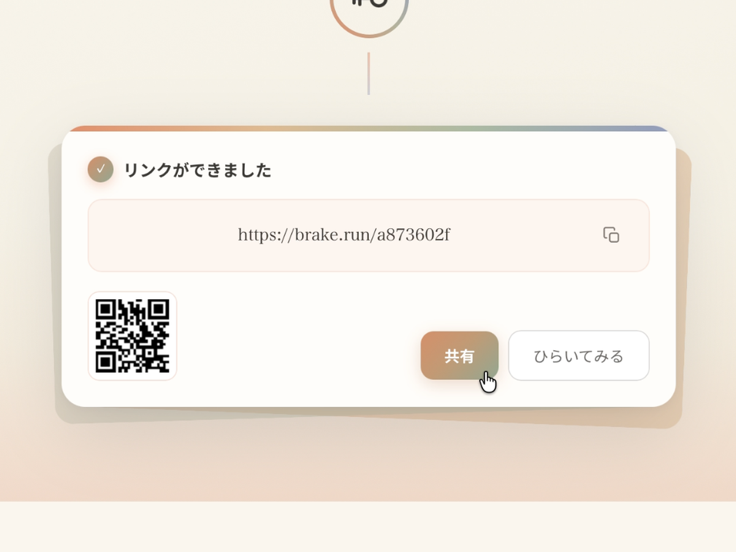
STEP 03
Share
Send the generated link to anyone.
STEP 01
Place
Drop in what you want to hand over.
STEP 02
Decide the time
Set how long the decryption takes.
STEP 03
Share
Send the generated link to anyone.
◀
▶
STEP 01
Open
The decryption starts the moment you follow the link.
STEP 02
Wait
Keep the browser open while the calculation runs.
STEP 03
Receive
When it finishes, the content opens on its own.
STEP 01
Open
The decryption starts the moment you follow the link.
STEP 02
Wait
Keep the browser open while the calculation runs.
STEP 03
Receive
When it finishes, the content opens on its own.
◀
▶
Brake.
を試す
ここにファイルを置く
最大5MBまで
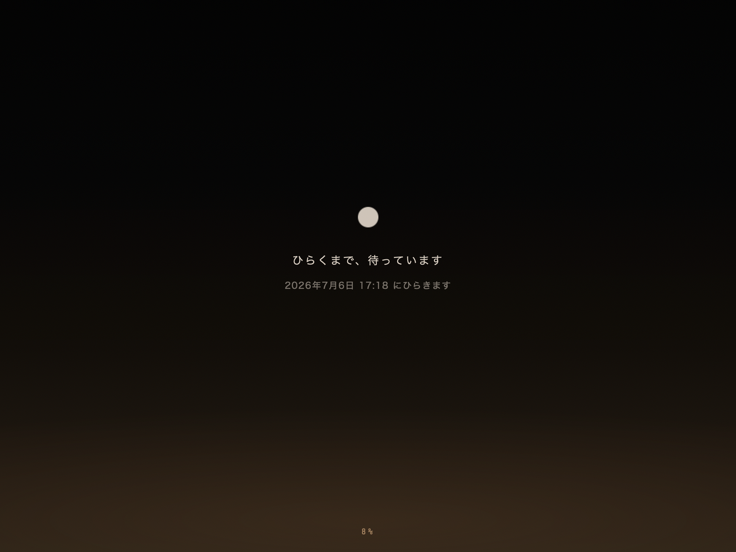
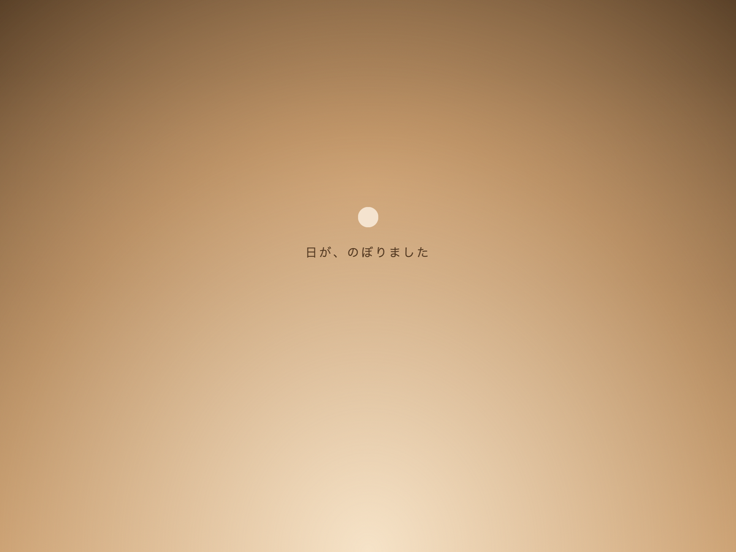
What the receiver sees while waiting
Dawn
a3f0 91c2
7b2e 04d…
e19a 5c77
30b8 f2a…
c4d1 88e0
5f27 b3c…
Digits
Moon
Stars
Rings
Candle
Pulse
Orbit
Ripple
Panels
Weave
?
Auto